 BoreTherm
Optimization candidates
Compare feasible candidates using the chosen objective and constraints. Apply to project updates the field and clears inclination/rotation for generated optimizer candidates. Inspect site clashes, required length and cost before retaining a candidate. The candidate list is a search result within the chosen bounds, not proof of a global optimum.
Step-by-step workflows · Menus and keyboard
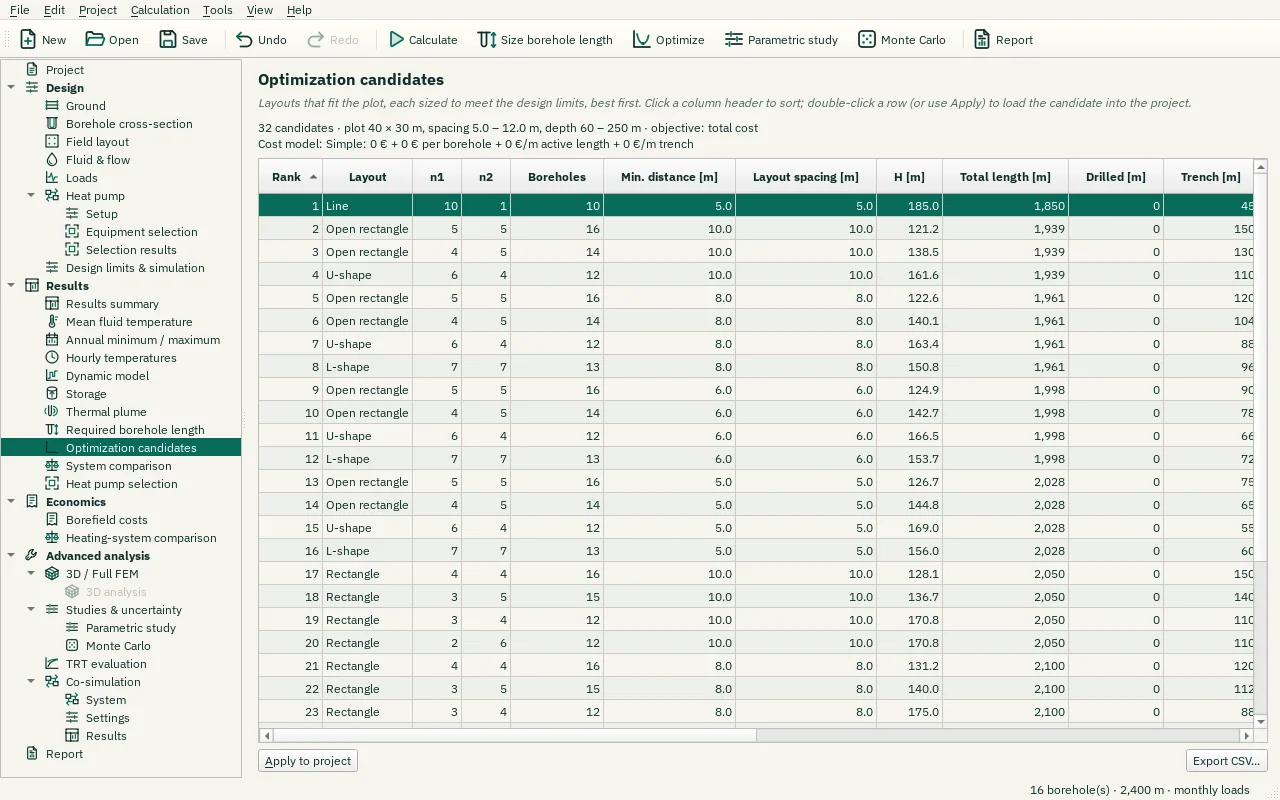
| Control | Meaning / action | Unit | Range / choices | Example value |
|---|---|---|---|---|
| Apply to project | Load the selected layout (type, counts, spacing, length) into the project. | |||
| Export CSV… | Write the displayed numerical table to a CSV file using the selected CSV format. |