 BoreTherm
Apply TRT result
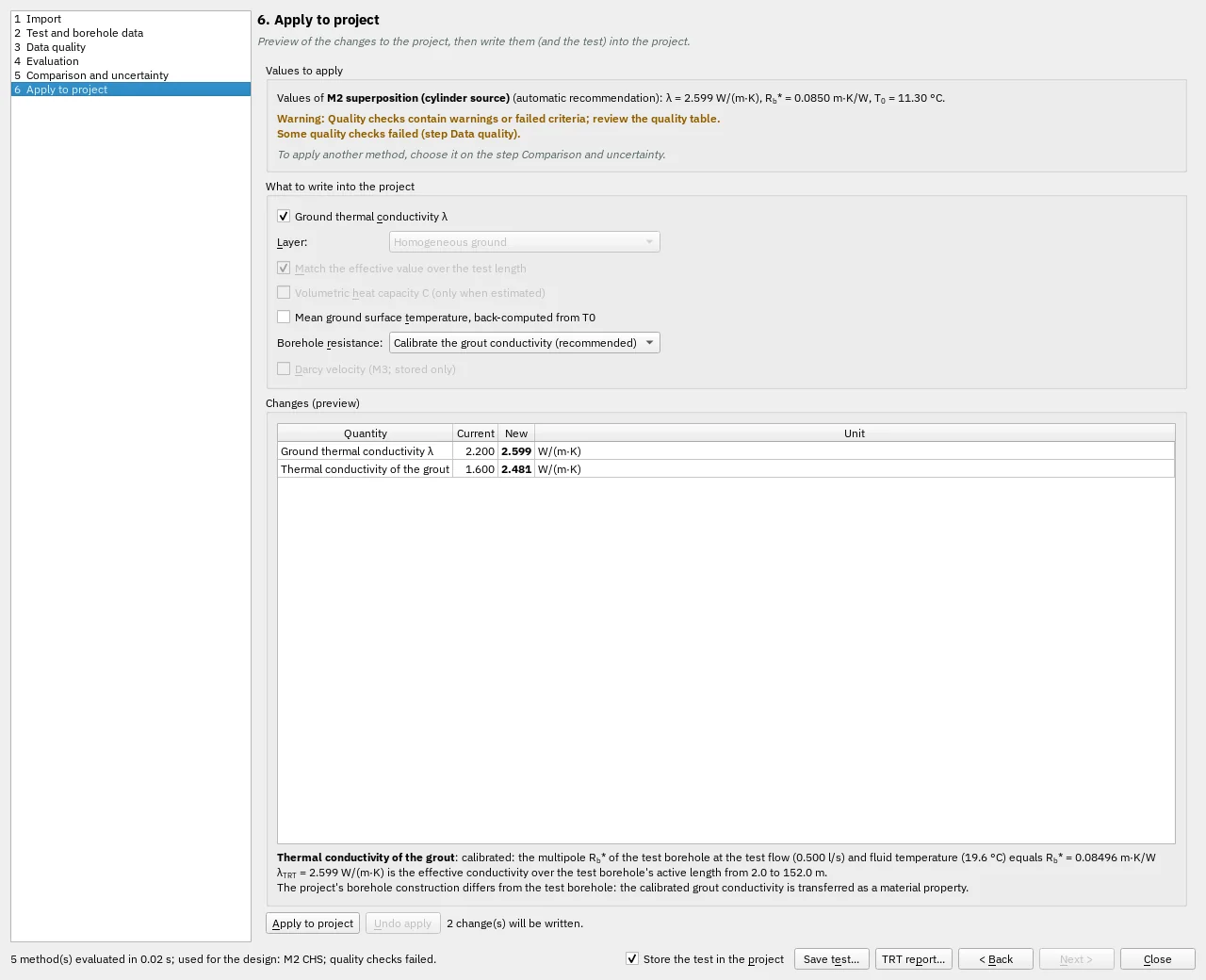
Select an applicable fitted method and the values to transfer. Conductivity, temperature and resistance/grout choices are explicit. Apply updates the design in one undoable change; review the resulting project before saving.
Step-by-step workflows · Menus and keyboard
| Control | Meaning / action | Unit | Range / choices | Example value |
|---|---|---|---|---|
| Ground thermal conductivity λ | Enables or disables this option. | |||
| Layer: | λTRT is the effective value over the test borehole's active length. In layered ground it can go to every layer, or to one layer whose value is then chosen so that the effective conductivity over the test length equals λTRT. | Homogeneous ground | ||
| Match the effective value over the test length | Enables or disables this option. | |||
| Volumetric heat capacity C (only when estimated) | Enables or disables this option. | |||
| Mean ground surface temperature, back-computed from T0 | The surface temperature is shifted so that the project's undisturbed temperature over the test length equals T0 of the test (with the project's geothermal heat flux) | |||
| Borehole resistance: | Grout calibration: the grout conductivity is set so that the multipole Rb* of the test borehole at the test flow equals Rb* of the test; Rb* then still follows the design flow and length. Fixed: Rb* is used as it is for every flow and length. | Calibrate the grout conductivity (recommended) / Fixed Rb* / Do not change | ||
| Darcy velocity (M3; stored only) | Enables or disables this option. | |||
| Apply to project | Writes the changes above and the test (data and setup) into the project in one step | |||
| Undo apply | Undo the last TRT-to-design Apply operation. |