 BoreTherm
TRT overview
Open the TRT evaluation wizard, import measured time series, describe borehole/test conditions, choose methods and screening, evaluate and compare fits, then explicitly apply accepted conductivity/resistance to the project. The synthetic and Beier examples include portable data. Applied parameters affect design calculations; an evaluated fit alone does not modify them.
Step-by-step workflows · Menus and keyboard
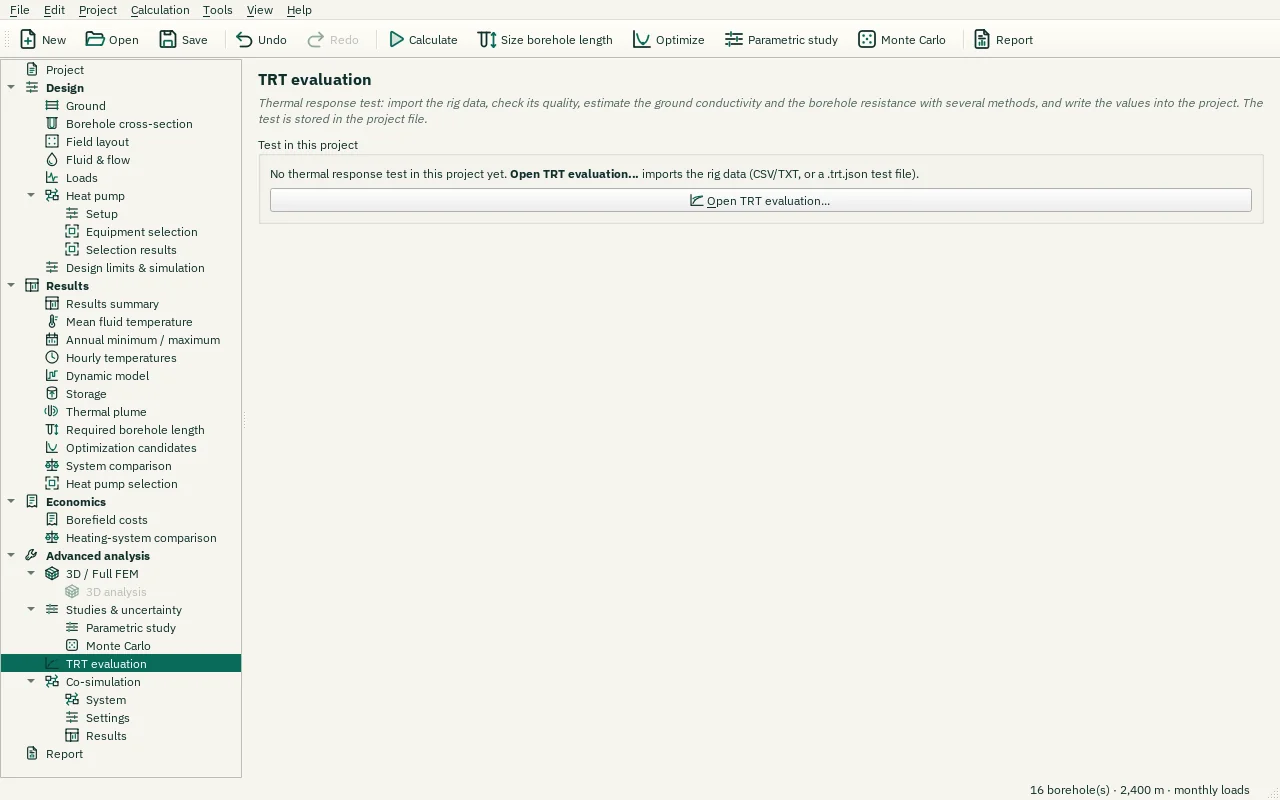
| Control | Meaning / action | Unit | Range / choices | Example value |
|---|---|---|---|---|
| Open TRT evaluation… | Open the TRT evaluation wizard (Tools menu): import, test data, data quality, evaluation, comparison and uncertainty, apply to the project. |